Navigating Geo-Restrictions: The Power of VPNs for Remote Workers
Explore how VPNs help remote workers overcome geo-restrictions, enabling access to blocked content while traveling or working abroad.
Introduction
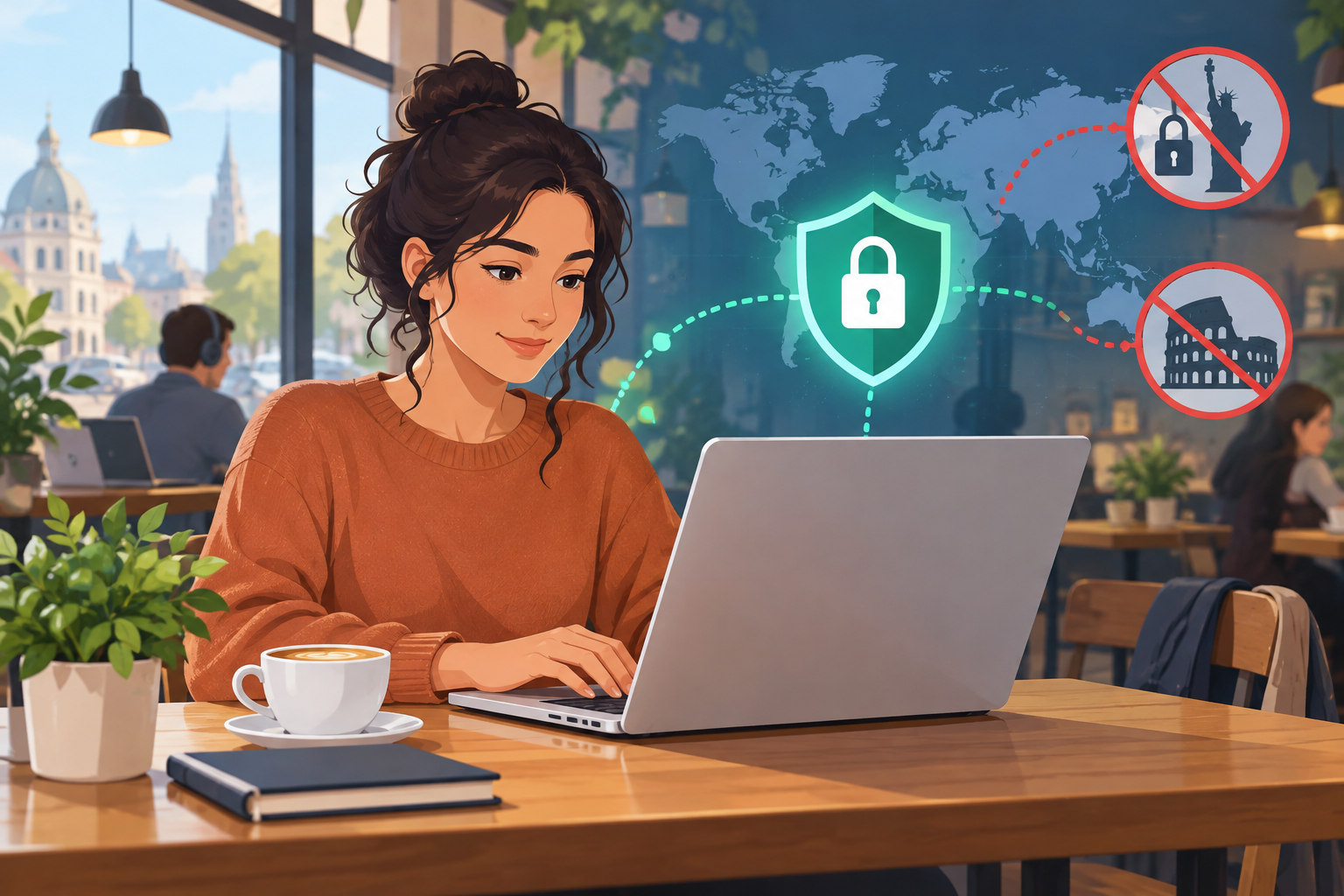
In today’s global workforce, many professionals find themselves needing to navigate VPN geo-restrictions while working remotely. Whether it’s accessing company resources or streaming services, geo-restrictions can hinder productivity and limit access to necessary information. Fortunately, Virtual Private Networks (VPNs) offer a powerful solution to overcome these barriers, allowing remote workers to access blocked content and maintain a seamless workflow.
Understanding Geo-Restrictions
Geo-restrictions are geographical limitations imposed by websites and online services that prevent users from accessing content based on their location. These restrictions can affect everything from streaming services to company data.
What Causes Geo-Restrictions?
Geo-restrictions are often enforced for several reasons, including:
- Licensing agreements: Content providers may only have the rights to distribute their content in specific regions.
- Government regulations: Some countries have laws that restrict access to certain websites or online services.
- Security concerns: Organizations may limit access to sensitive data based on geographic location to enhance security.
Common Scenarios of Geo-Restrictions
- Streaming Services: Platforms like Netflix and Hulu offer different content libraries based on the user's location, resulting in some shows or movies being unavailable in certain regions.
- Corporate Resources: Employees traveling abroad may find that their company’s intranet or certain software applications are inaccessible due to geo-restrictions.
How VPNs Bypass Geo-Blocks
VPNs provide a secure way to connect to the internet and can effectively bypass geo-blocks by masking the user's true location.
How VPNs Work
When you connect to a VPN, your internet traffic is routed through a server located in a different country. This changes your IP address to that of the server, making it appear as though you are browsing from that location. Here's how this helps:
- Access Blocked Content: By appearing to be in a different region, you can access websites and services that are typically restricted in your actual location.
- Enhanced Security: VPNs encrypt your internet traffic, making it more difficult for third parties to monitor your online activities.
Choosing the Right VPN for Bypassing Geo-Restrictions
Not all VPNs are created equal. When selecting a VPN to bypass geo-restrictions, consider the following:
- Server Locations: Ensure the VPN has servers in the regions you need to access.
- Speed and Performance: Look for a VPN that offers fast connection speeds to prevent buffering or lag while streaming.
- Privacy Policies: Opt for a VPN that has a strict no-logs policy to protect your online privacy.
Using VPNs While Traveling for Work
For remote workers traveling abroad, using a VPN is essential to ensure uninterrupted access to work-related resources and personal content.
Setting Up a VPN for Travel
Before traveling:
- Choose a Reliable VPN: Research and select a VPN service that meets your needs.
- Download and Install the VPN: Ensure the VPN software is installed on your devices before leaving.
- Log in and Connect: Once abroad, log in and connect to a server in your home country or a region that allows access to the content you need.
Benefits of Using a VPN While Traveling
- Unrestricted Access: Access your favorite streaming services and company resources without limitations.
- Improved Security: Protect your sensitive information when using public Wi-Fi networks, which are often vulnerable to cyberattacks.
- Avoiding Data Throttling: Some ISPs throttle bandwidth for certain activities. A VPN can help maintain optimal speeds.
Case Studies of Remote Workers Overcoming Geo-Restrictions
Understanding real-life applications can highlight the effectiveness of VPNs in overcoming geo-restrictions.
Case Study 1: The Marketing Consultant
A marketing consultant traveled to a country where several of their frequently used tools were blocked. By using a VPN to connect to a server in their home country, they were able to access essential marketing analytics and continue their projects without interruption.
Case Study 2: The Software Developer
A software developer working on a global project needed access to a code repository that was restricted based on location. Using a VPN, they connected to a server in a permitted region, allowing them to collaborate with their team seamlessly.
Case Study 3: The Content Creator
A content creator traveling to a location with limited access to social media platforms used a VPN to maintain their online presence. By connecting to a server in their home country, they could access their accounts and upload content without any issues.
Conclusion
VPNs are invaluable tools for remote workers who need to navigate VPN geo-restrictions effectively. By providing access to blocked content, enhancing security, and enabling seamless work experiences while traveling, VPNs empower professionals to work from anywhere in the world without compromising their productivity. For those interested in exploring VPN options, check out IngenioVPN plans for more information.
FAQs
- What are geo-restrictions?
Geo-restrictions are limitations that prevent access to content based on the user's geographical location.
- How do VPNs help with geo-restrictions?
VPNs change your IP address by routing your internet traffic through servers in different locations, allowing you to access blocked content.
- Can I use a VPN for streaming while traveling?
Yes, using a VPN allows you to access your home streaming services while traveling by bypassing geo-restrictions.
- Are all VPNs effective for bypassing geo-restrictions?
No, not all VPNs can effectively bypass geo-restrictions; it's essential to choose one with a good reputation and sufficient server locations.
- Is it legal to use a VPN to bypass geo-restrictions?
While using a VPN is legal in many countries, the legality of bypassing geo-restrictions can vary based on local laws and regulations.
- What should I look for in a VPN for remote work?
Look for features like strong encryption, a no-logs policy, multiple server locations, and good customer support.
Related articles
Understanding VPN Logs: What You Need to Know
Explore the essential aspects of VPN logs, their impact on data privacy, and how to choose a VPN that prioritizes your online security.
How to Set Up a VPN on Different Devices: A Step-by-Step Guide
Learn how to set up a VPN on various devices with this comprehensive guide, ensuring secure browsing across Windows, Mac, and mobile platforms.
Understanding the Role of VPNs in Preventing Bandwidth Throttling
Discover how VPNs can help prevent bandwidth throttling and enhance your internet experience, especially for remote work.