Understanding the Role of VPNs in Preventing Bandwidth Throttling
Discover how VPNs can help prevent bandwidth throttling and enhance your internet experience, especially for remote work.
Introduction
In today's digital world, many users experience slow internet connections due to VPN bandwidth throttling. This issue can significantly hinder online activities, especially for those engaging in remote work. Understanding how VPNs can help prevent bandwidth throttling is essential for anyone looking to enhance their internet experience.
What is Bandwidth Throttling?
Bandwidth throttling refers to the intentional slowing down of internet speed by Internet Service Providers (ISPs). This practice can affect the performance of various online activities, from streaming videos to video conferencing.
Common Reasons for Throttling
- Network Congestion: During peak usage times, ISPs may throttle speeds to manage bandwidth effectively.
- Data Limits: Some ISPs impose data caps, and once reached, they may throttle your connection to discourage excessive usage.
- Content Type: Certain ISPs throttle specific types of traffic, such as streaming services or torrent downloads.
Impact of Throttling on Users
Bandwidth throttling can lead to frustratingly slow internet speeds, affecting productivity, especially in remote work environments. Tasks like video conferencing or uploading large files can become cumbersome when throttling is in effect.
How ISPs Throttle Internet Speed
ISPs use various methods to implement bandwidth throttling. Understanding these techniques can help users identify the best solutions to combat them.
Techniques Used by ISPs
- Traffic Shaping: ISPs monitor and manage data packets to prioritize certain types of traffic over others.
- Traffic Filtering: This involves inspecting data packets and selectively slowing down specific services or applications.
- Rate Limiting: ISPs may impose limits on the speed of certain types of connection, reducing available bandwidth for specific activities.
Identifying Throttling
Users can often detect throttling by performing speed tests at different times or comparing speeds across various devices. If significant discrepancies occur, it may indicate throttling is in effect.
Role of VPNs in Preventing Throttling
VPNs (Virtual Private Networks) serve as a valuable tool in preventing bandwidth throttling by masking user data and encrypting internet traffic.
How VPNs Work
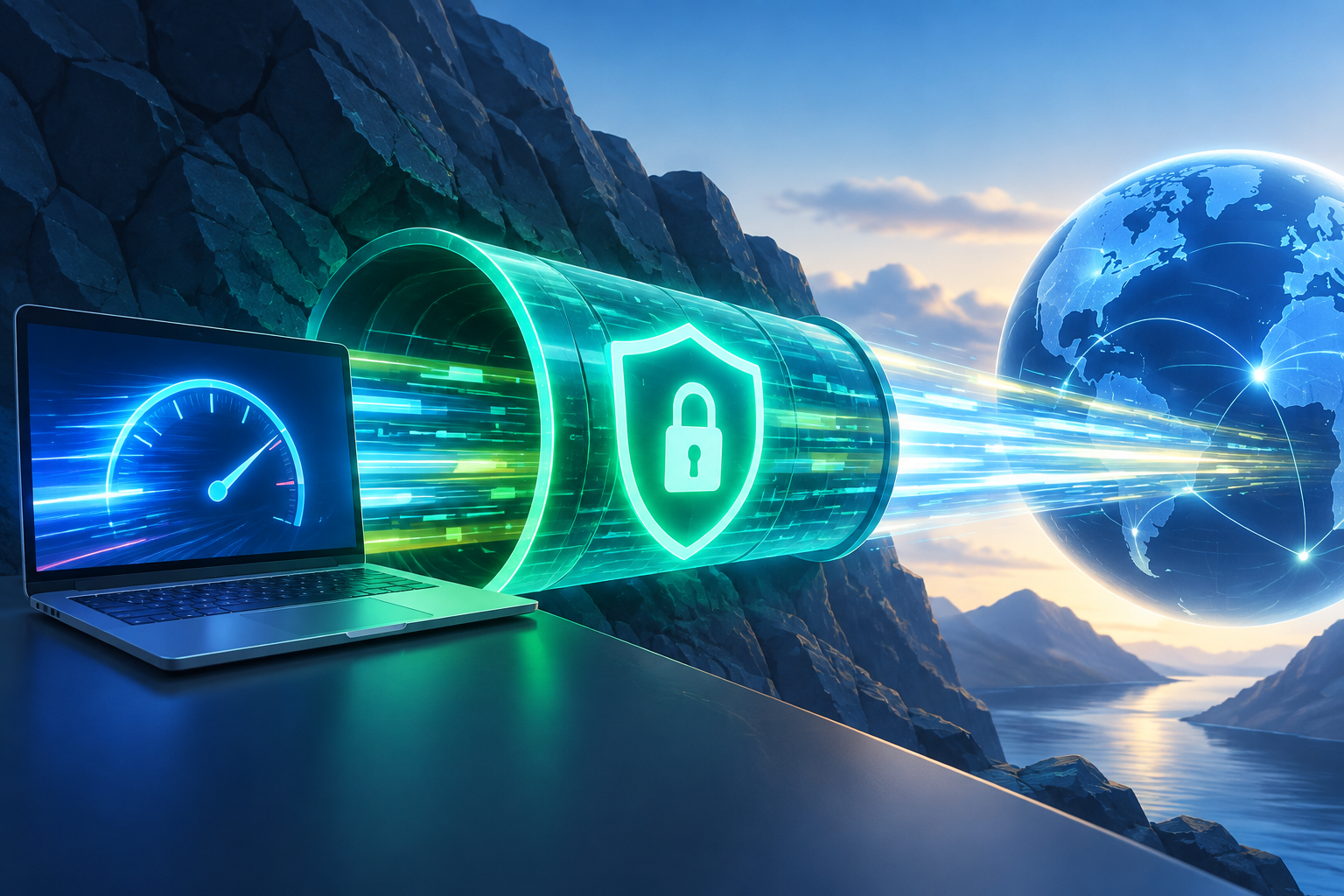
A VPN creates a secure tunnel between the user’s device and the internet, routing traffic through a remote server. This not only enhances security but also obscures user activity from ISPs, making it difficult for them to throttle specific types of traffic.
Benefits of Using a VPN
- Enhanced Privacy: VPNs protect user data from prying eyes, ensuring that ISPs cannot monitor or control your browsing habits.
- Bypassing Throttling: Since ISPs cannot see the type of traffic being used, they are less likely to throttle speeds, resulting in improved performance.
- Improved Remote Work Internet Speed: For remote workers, a VPN can provide a more stable and faster connection, crucial for productivity.
Choosing a VPN for Optimal Performance
Not all VPNs are created equal, and selecting the right one is vital for preventing throttling and ensuring reliable internet speeds.
Factors to Consider
- Server Locations: A VPN with a wide range of server locations can offer better performance and reduced latency.
- Speed and Bandwidth Limitations: Look for a VPN that provides unlimited bandwidth and fast speeds to avoid additional throttling.
- Reputation and Reviews: Research reliable VPN providers that are known for effectively bypassing throttling issues.
Recommended Features
- Strong Encryption: Ensure the VPN uses robust encryption protocols to secure your connection.
- No-Logs Policy: A no-logs policy ensures that your online activities are not tracked or stored.
- Customer Support: Reliable customer support can assist with troubleshooting connectivity issues.
Conclusion: Enhancing Internet Speed with VPNs
In conclusion, VPNs serve as a powerful solution for preventing bandwidth throttling, enhancing your online experience, and ensuring a smoother performance for remote work. By masking your internet traffic and improving privacy, a good VPN can help you regain control over your internet speed. To explore more about VPN options, check out IngenioVPN plans.
FAQs
- What is bandwidth throttling?
Bandwidth throttling is the intentional slowing down of internet speed by ISPs, often based on the type of traffic or peak usage times.
- How do I know if my ISP is throttling my connection?
You can identify throttling by conducting speed tests at various times and comparing results across different devices.
- Can a VPN completely eliminate throttling?
While a VPN can significantly reduce the effects of throttling, results may vary based on the ISP and the VPN service used.
- Are there any downsides to using a VPN?
Some potential downsides include reduced speeds due to encryption overhead and potential access issues with certain content.
- What should I look for in a VPN to prevent throttling?
Look for features like unlimited bandwidth, strong encryption, a no-logs policy, and a good selection of server locations.
- Is using a VPN legal?
In most countries, using a VPN is legal; however, laws may vary, so it’s essential to check local regulations.
Related articles

Understanding VPN Logs: What You Need to Know
Explore the essential aspects of VPN logs, their impact on data privacy, and how to choose a VPN that prioritizes your online security.
How to Set Up a VPN on Different Devices: A Step-by-Step Guide
Learn how to set up a VPN on various devices with this comprehensive guide, ensuring secure browsing across Windows, Mac, and mobile platforms.

How to Use a VPN for Safe Online Gaming
Discover how to enhance your online gaming experience with a VPN, ensuring security and privacy while enjoying your favorite games.