How to Use a VPN for Safe Online Gaming
Discover how to enhance your online gaming experience with a VPN, ensuring security and privacy while enjoying your favorite games.
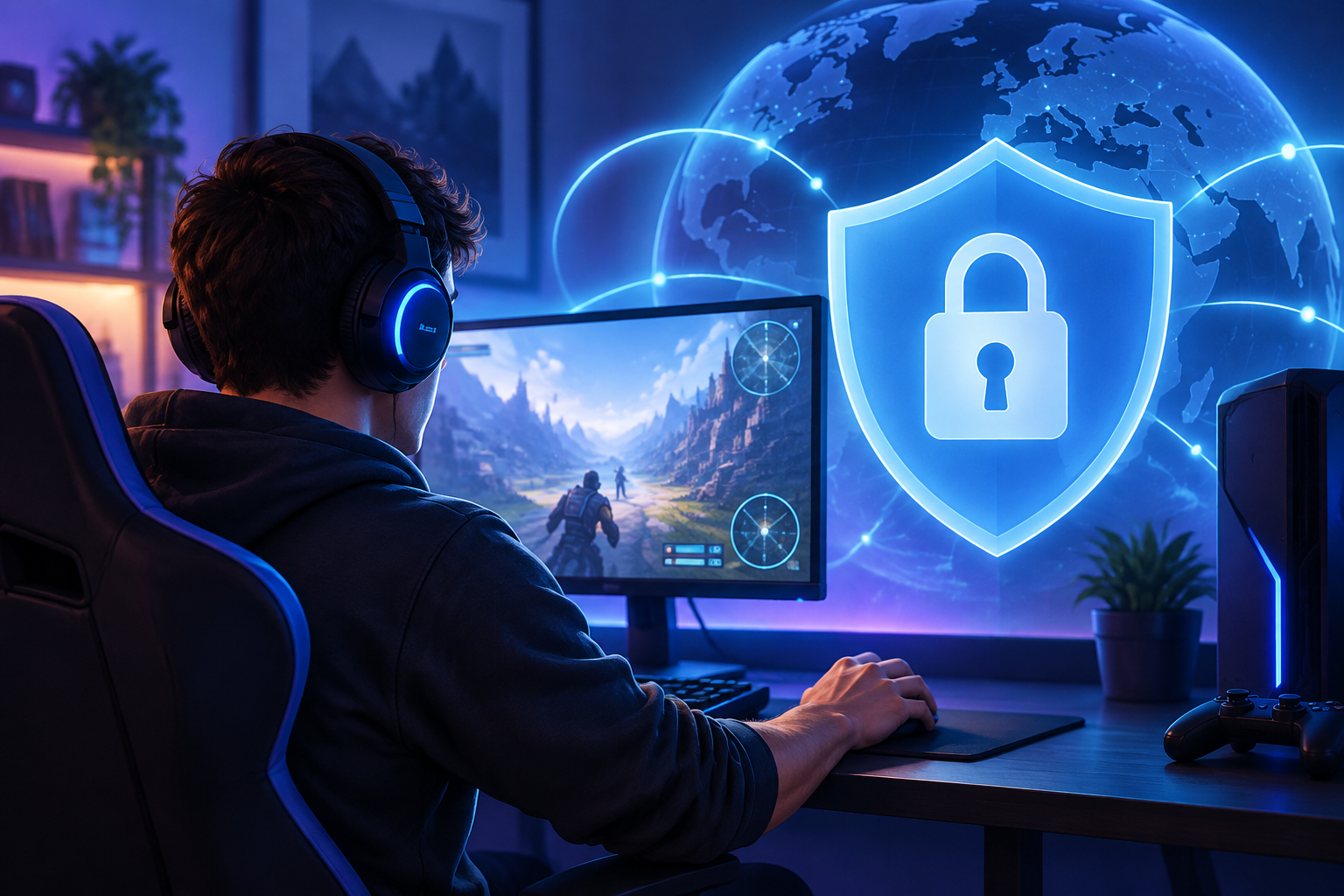
Introduction to VPNs in Gaming
In the world of online gaming, a VPN for gaming is becoming an essential tool for players who prioritize security and performance. Virtual Private Networks (VPNs) allow gamers to create a secure connection to the internet, protecting personal data and enhancing gaming experiences. With an increase in threats such as DDoS attacks, data breaches, and ISP throttling, understanding how to use a VPN can be a game-changer.
Benefits of Using a VPN While Gaming
Using a VPN while gaming comes with several advantages that can enhance both your security and overall experience.
1. Enhanced Online Gaming Security
A VPN encrypts your internet connection, making it difficult for hackers to intercept your data. This is particularly important for gamers who often share personal information with online platforms and fellow players. Protecting gaming data from potential threats helps ensure that your sensitive information remains confidential.
2. Bypassing Geo-Restrictions
Many games and gaming content are restricted in certain regions. A VPN allows you to change your virtual location, enabling access to games and content that may not be available in your country. This can broaden your gaming options and enhance your overall experience.
3. Reducing Lag and Improving Speed
While some may think using a VPN could slow down their connection, a good VPN can actually reduce lag by providing a more stable connection. By connecting to a VPN server closer to the game server, you can experience lower ping times, which is crucial for competitive gaming.
4. Avoiding ISP Throttling
Internet Service Providers (ISPs) may throttle your connection speed when they detect high bandwidth usage, such as gaming. A VPN masks your online activity, making it harder for ISPs to identify when you are gaming and helping to maintain optimal speeds.
Choosing the Best VPN for Gaming
Selecting the right VPN is crucial for maximizing your gaming experience. Here are some features to consider:
1. Server Locations
Look for a VPN with a wide range of server locations. This ensures that you can connect to a server that is geographically close to your gaming server, minimizing lag.
2. Speed and Performance
Choose a VPN known for its high-speed connections. Some VPNs may slow down your internet speed due to encryption, so opt for one that maintains performance.
3. Compatibility with Gaming Platforms
Ensure that the VPN you choose is compatible with your gaming platform, whether it’s PC, consoles, or mobile devices.
4. Security Features
Look for advanced security features such as strong encryption, a no-logs policy, and a kill switch. These features protect your data even if the VPN connection drops.
Setting Up Your VPN for Optimal Performance
Once you've chosen a VPN, setting it up correctly can enhance your gaming experience.
1. Download and Install the VPN
Follow the instructions provided by your VPN provider to download and install the software on your device.
2. Connect to the Best Server
Select a server that is geographically close to the game server you are using. This typically results in lower latency and faster speeds.
3. Test Your Connection
Before diving into gaming, run a speed test to ensure that your connection is stable and fast. This will help you identify any potential issues before they affect your gameplay.
4. Adjust VPN Settings
Experiment with different VPN settings, such as the protocol used. Some VPNs offer options like OpenVPN or IKEv2, which may provide better performance for gaming.
Common Issues and Troubleshooting Tips
While using a VPN for gaming can significantly enhance your experience, some issues may arise. Here are common problems and solutions:
1. Slow Connection Speeds
If you experience slow speeds, try connecting to a different server. Some servers may be overloaded, causing slower performance.
2. Game Not Connecting
If your game fails to connect while using a VPN, try disabling the VPN briefly to troubleshoot. If the game connects without the VPN, you may need to switch servers or contact your VPN’s support.
3. VPN Disconnects During Gaming
Ensure that your VPN’s settings are configured correctly. Check for any settings that may cause the connection to drop, such as automatic protocol changes.
4. Compatibility Issues
If you encounter issues with specific games, check the VPN’s compatibility with those games or consult their support for assistance.
Conclusion: Leveling Up Your Gaming Security
Using a VPN for gaming not only enhances your security but also improves your overall gaming experience by providing access to restricted content and reducing lag. By selecting the right VPN and following best practices for setup, you can protect your gaming data and enjoy a smoother online gaming experience.
For more information on securing your online activities, check out our IngenioVPN plans to find the best option for your gaming needs.
FAQs
- Can I use a free VPN for gaming?
While free VPNs are available, they may not offer the same speed and security features as paid options. It’s typically better to invest in a reliable paid VPN for gaming.
- Will a VPN affect my ping in gaming?
A VPN can either improve or worsen your ping depending on the server you choose. Connecting to a server close to the game server can help reduce lag.
- Is it legal to use a VPN for gaming?
Using a VPN is legal in most countries, but it’s essential to check local laws and the terms of service for the games you play.
- How do I know if my VPN is working while gaming?
You can check your IP address before and after connecting to the VPN. If it changes to the VPN’s location, it’s working correctly.
- Can a VPN prevent DDoS attacks while gaming?
Yes, a VPN can help protect against DDoS attacks by masking your IP address, making it harder for attackers to target you.
- What should I do if my VPN isn't compatible with my gaming console?
You may need to set up the VPN on your router, or you can reach out to your VPN provider for guidance on compatibility with specific devices.
Related articles
Understanding VPN Logs: What You Need to Know
Explore the essential aspects of VPN logs, their impact on data privacy, and how to choose a VPN that prioritizes your online security.
How to Set Up a VPN on Different Devices: A Step-by-Step Guide
Learn how to set up a VPN on various devices with this comprehensive guide, ensuring secure browsing across Windows, Mac, and mobile platforms.
Understanding the Role of VPNs in Preventing Bandwidth Throttling
Discover how VPNs can help prevent bandwidth throttling and enhance your internet experience, especially for remote work.