The Ultimate Guide to Choosing the Right VPN for Your Needs
This guide will help you navigate the complexities of choosing the right VPN to meet your specific needs.
Introduction to VPNs
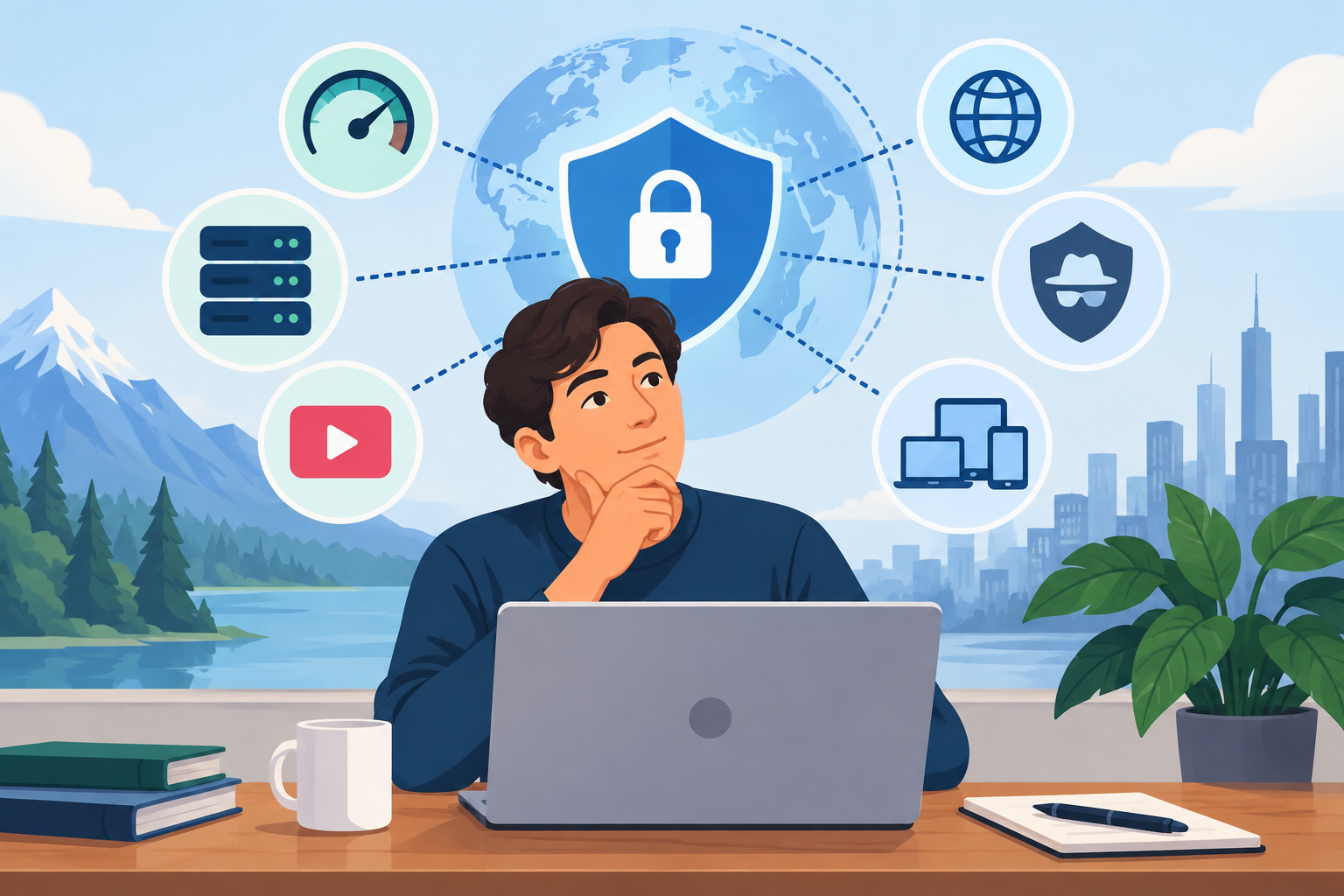
Virtual Private Networks (VPNs) have become essential tools for internet users seeking privacy, security, and unrestricted access. Choosing the right VPN can significantly enhance your online experience, allowing you to browse the web securely and bypass geographic restrictions. With countless options available, understanding what a VPN can do for you is crucial to making an informed decision.
What is a VPN?
A VPN encrypts your internet connection, disguising your IP address and creating a secure tunnel for your data. This technology protects your online activities from prying eyes, such as hackers, ISPs, and government surveillance. Additionally, VPNs can help you access content that may be restricted in your region.
Why Use a VPN?
- Enhanced Privacy: A VPN masks your online identity and location.
- Improved Security: It encrypts your internet traffic, especially on public Wi-Fi networks.
- Access to Geo-Restricted Content: Bypass regional blocks on streaming services and websites.
- Anonymity: Surf the web without leaving a trace of your browsing history.
Understanding Your Needs
Before diving into VPN comparison, it’s essential to assess your specific requirements. Different users have different needs, and understanding yours will help streamline your search.
Identify Your Primary Use Cases
- Streaming: If you want to access services like Netflix or Hulu from different regions, look for a VPN known for its ability to bypass geo-blocks.
- Privacy: For enhanced privacy, choose a no-logs VPN that prioritizes user anonymity.
- Security: If you frequently use public Wi-Fi, select a VPN with strong encryption and security features.
- Torrenting: If you plan to download files, ensure your VPN supports P2P sharing and doesn’t throttle bandwidth.
Consider Your Level of Expertise
Your familiarity with technology can influence your choice:
- Beginner: Look for user-friendly interfaces and customer support.
- Intermediate/Advanced: You might prefer more customizable options with advanced features.
Key Features to Look For
When choosing the right VPN, certain features can make or break your experience. Here are essential characteristics to consider:
1. Security Protocols
Different VPNs use various protocols, which can affect speed and security. Common protocols include:
- OpenVPN: Highly secure and widely used.
- IKEv2/IPsec: Fast and good for mobile devices.
- WireGuard: A new protocol that offers excellent speed and security.
2. Server Locations
A wide range of server locations allows you to access content from different countries:
- Global Reach: The more servers a VPN has, the better your chances of finding a fast connection.
- Country-Specific Servers: Some VPNs offer servers optimized for specific countries or tasks.
3. Speed and Performance
VPNs can slow down your connection. Look for:
- No Bandwidth Throttling: Ensure the VPN provider does not limit your speed.
- Performance Testing: Some services offer speed tests to help you find the best server.
4. Logging Policy
A strict no-logs policy ensures that your online activities are not recorded. Look for transparency in a VPN’s logging practices.
5. Customer Support
Reliable customer support can be invaluable:
- 24/7 Support: Look for live chat or email assistance.
- Knowledge Base: A comprehensive FAQ section can help with troubleshooting.
Popular VPN Options
Here’s a brief look at some of the best VPNs currently available:
| VPN Name | Key Features | Price Range |
|---|---|---|
| IngenioVPN | Strong encryption, no logs, global servers | $$-$$$ |
| ExpressVPN | Fast speeds, user-friendly interface | $$$ |
| NordVPN | High security, great for streaming | $$ |
| Surfshark | Unlimited devices, affordable | $-$$ |
| CyberGhost | User-friendly, good for beginners | $$ |
Cost vs. Value
When evaluating VPNs, consider the balance between cost and value. A cheaper VPN may lack essential features or security.
Monthly vs. Annual Plans
Most VPNs offer both monthly and annual subscriptions. Generally, annual plans provide better value:
- Monthly Plans: Higher cost; ideal for short-term use.
- Annual Plans: Lower monthly rate; better for long-term users.
Free vs. Paid VPNs
While free VPNs may seem appealing, they often come with limitations:
- Data Caps: Many have bandwidth limits.
- Fewer Features: Limited server access and weaker security.
- Privacy Risks: Some may log your data or serve ads.
Investing in a reliable paid VPN can ultimately save you from potential security risks and provide a better overall experience.
Conclusion
In summary, choosing the right VPN requires careful consideration of your individual needs, key features, and available options. By understanding your priorities and evaluating VPNs based on essential criteria, you can make an informed decision that enhances your online security and freedom. For a closer look at how IngenioVPN might fit your needs, check out our IngenioVPN plans for more information.
FAQs
- What is a VPN and how does it work?
A VPN encrypts your internet connection and masks your IP address, providing privacy and security while you browse online.
- Are free VPNs safe to use?
Many free VPNs have limitations and may not offer strong security, which can put your data at risk.
- Can I use a VPN for streaming?
Yes, many VPNs are designed to bypass geo-restrictions on streaming services.
- How do I know if a VPN is trustworthy?
Look for a no-logs policy, transparent security practices, and positive user reviews.
- What devices can I use a VPN on?
Most VPNs support various devices, including PCs, smartphones, and routers.
- Is it legal to use a VPN?
Generally, using a VPN is legal in many countries, but laws may vary, so it's essential to check local regulations.
Frequently asked questions
Related articles
Understanding VPN Logs: What You Need to Know
Explore the essential aspects of VPN logs, their impact on data privacy, and how to choose a VPN that prioritizes your online security.
How to Set Up a VPN on Different Devices: A Step-by-Step Guide
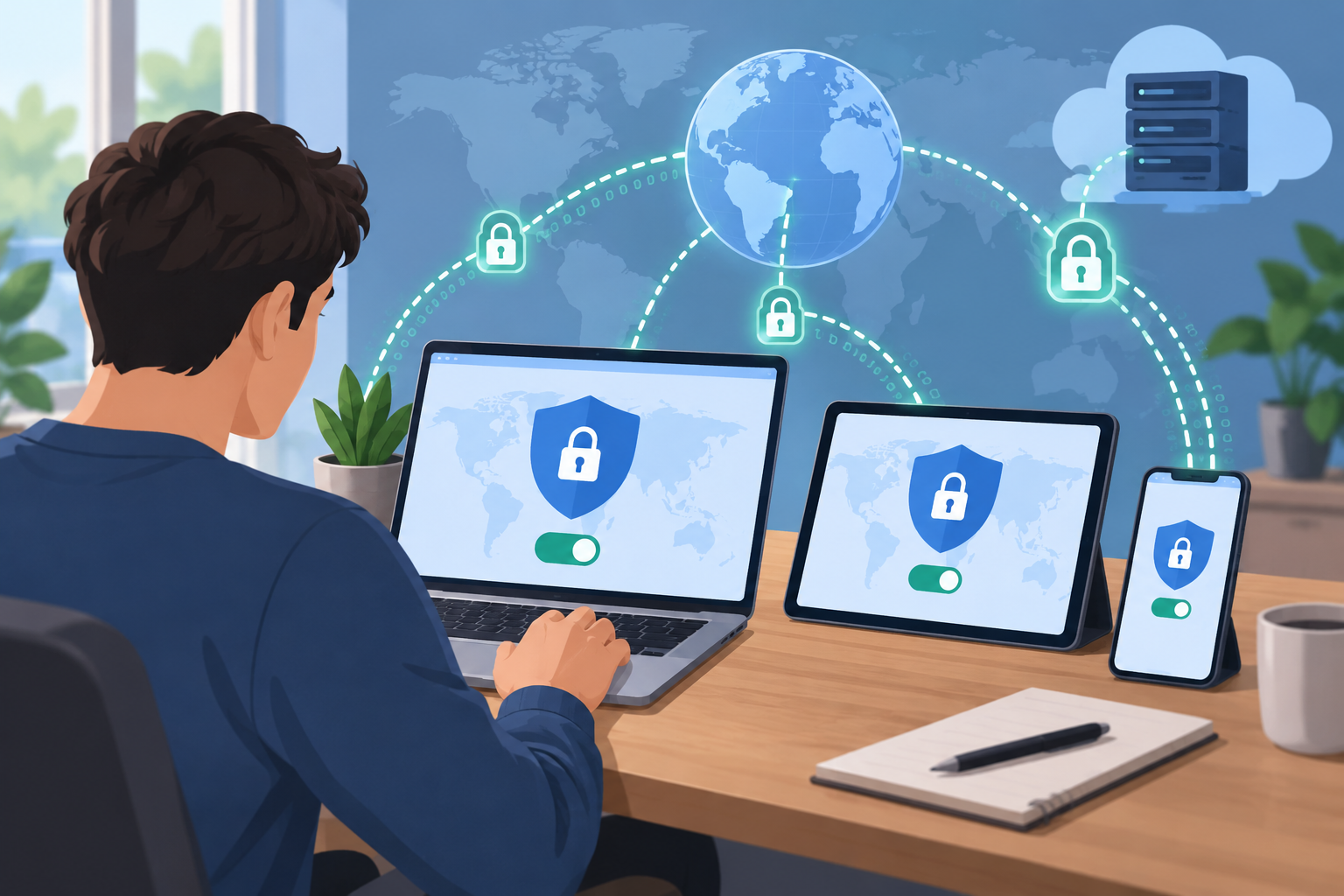
Learn how to set up a VPN on various devices with this comprehensive guide, ensuring secure browsing across Windows, Mac, and mobile platforms.
Understanding the Role of VPNs in Preventing Bandwidth Throttling
Discover how VPNs can help prevent bandwidth throttling and enhance your internet experience, especially for remote work.