How VPNs Protect Remote Workers on Public Wi-Fi Networks
Explore how VPNs enhance public Wi-Fi security for remote workers. Learn about risks and tips to stay secure on public networks.
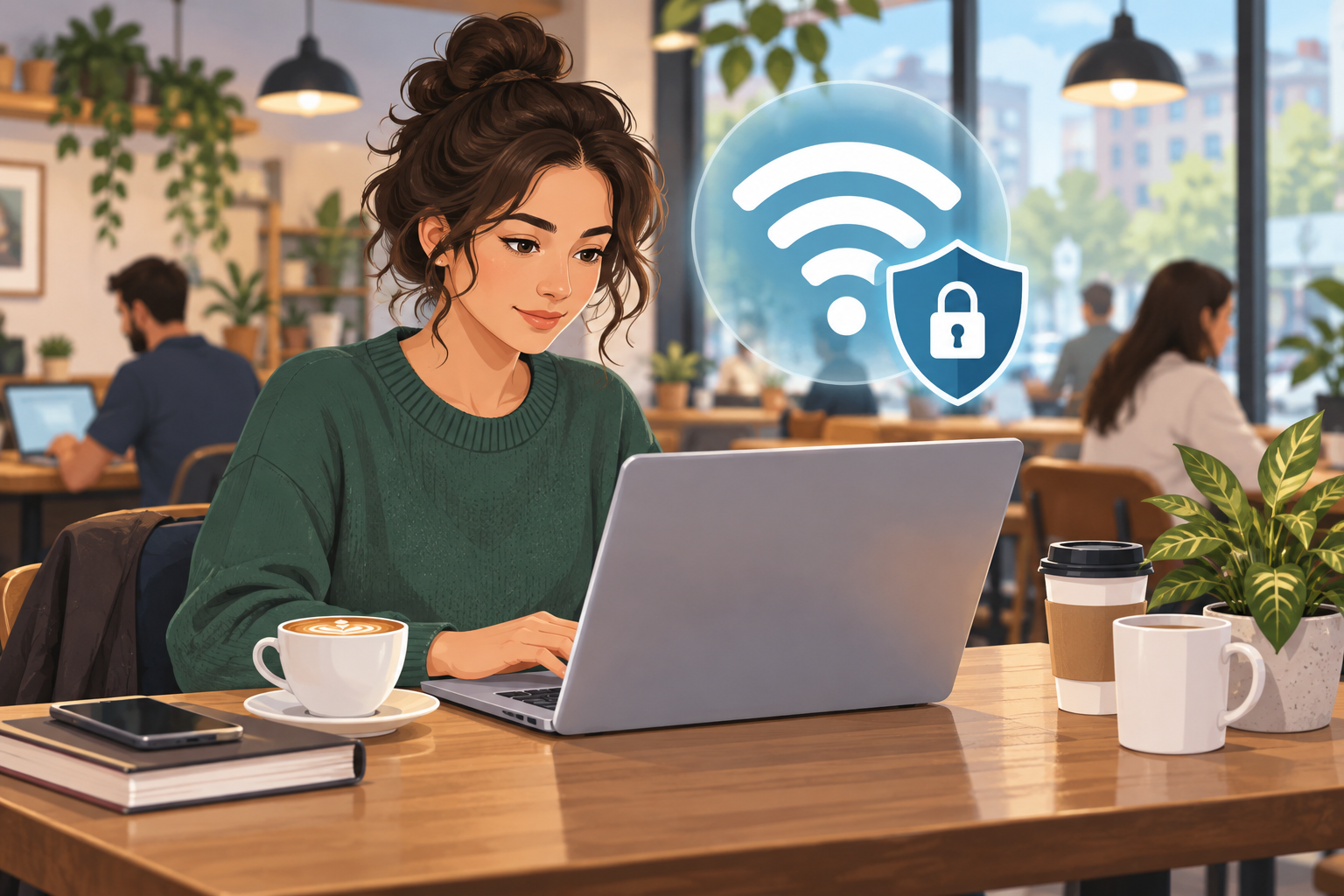
Understanding Public Wi-Fi Risks
Public Wi-Fi networks are a double-edged sword, particularly for remote workers who rely on connectivity to get their job done. While these networks offer convenience, they also come with significant risks.
Common Threats on Public Wi-Fi
- Data Interception: Hackers can easily intercept data transmitted over unsecured public networks, capturing sensitive information such as login credentials, financial data, and personal communications.
- Man-in-the-Middle Attacks: In this scenario, cybercriminals position themselves between the user and the network, allowing them to monitor or manipulate data exchanges without detection.
- Malware Distribution: Unsecured networks can serve as a breeding ground for malware. Cyber attackers can distribute malicious software that can compromise devices and steal information.
- Rogue Hotspots: Attackers may set up fake Wi-Fi hotspots that mimic legitimate networks, tricking users into connecting and exposing their data.
Understanding these risks is crucial for remote workers who often find themselves in public places like cafes, airports, and co-working spaces.
How VPNs Mitigate Public Wi-Fi Threats
A Virtual Private Network (VPN) serves as a robust line of defense against the threats posed by public Wi-Fi networks. By encrypting internet traffic and masking the user's IP address, VPNs provide a secure connection that safeguards sensitive information.
Encryption of Data
When using a VPN, all data transmitted between the user’s device and the VPN server is encrypted. This means that even if a hacker intercepts the data, it would be unreadable without the encryption key.
IP Address Masking
VPNs mask the user's actual IP address, replacing it with that of the VPN server. This enhances privacy by making it difficult for third parties to track the user's online activities or determine their physical location.
Secure Tunneling Protocols
Most reputable VPNs utilize secure tunneling protocols, such as OpenVPN or IKEv2/IPSec. These protocols create a secure 'tunnel' through which data travels, further reducing the risk of interception.
Best VPN Features for Public Network Security
When choosing a VPN for public Wi-Fi security, it's essential to consider specific features that enhance protection. Here are some key features to look for:
Strong Encryption Standards
Look for VPNs that offer AES-256 bit encryption, the industry standard for secure data transmission. This level of encryption is widely regarded as unbreakable.
Kill Switch
A kill switch is a crucial feature that automatically disconnects your internet connection if the VPN drops unexpectedly. This prevents data leaks and exposure to threats on public networks.
No-Log Policy
Select a VPN that adheres to a strict no-log policy, ensuring that your online activities are not recorded or stored. This is vital for maintaining privacy while using public Wi-Fi.
Multi-Device Support
Remote workers often use multiple devices. A good VPN should support simultaneous connections on various devices, allowing you to secure all your gadgets without hassle.
User-Friendly Interface
A VPN with an intuitive interface ensures that even those less tech-savvy can easily connect and manage their security settings, especially in public environments.
Tips for Using VPNs on Public Wi-Fi
Using a VPN effectively on public Wi-Fi involves more than just connecting to the service. Here are some practical tips to enhance your security:
Always Connect Before Accessing the Internet
Make it a habit to connect to your VPN before attempting to access any websites or apps. This ensures that your data is protected from the moment you connect to the network.
Avoid Automatic Connections
Disable any settings that automatically connect you to Wi-Fi networks. This prevents your device from connecting to rogue hotspots without your knowledge.
Regularly Update Your VPN Software
Keeping your VPN software updated ensures you have the latest security features and patches, making it more difficult for hackers to exploit vulnerabilities.
Be Cautious with Public Wi-Fi
If possible, avoid accessing sensitive accounts or performing financial transactions while connected to public Wi-Fi, even with a VPN. Use cellular data when necessary for added security.
Enable Two-Factor Authentication
Whenever possible, enable two-factor authentication (2FA) on your accounts. This adds an extra layer of security, making it harder for unauthorized users to gain access.
Conclusion: Staying Safe on the Go
As remote work becomes increasingly prevalent, understanding the importance of VPN public Wi-Fi security is essential for protecting sensitive data. By leveraging the benefits of a VPN and following best practices for public network safety, remote workers can confidently navigate the challenges posed by unsecured Wi-Fi connections. For more tips and to explore IngenioVPN plans, check out our resources to enhance your online privacy and security.
Frequently asked questions
Related articles
Debunking VPN Myths: What You Should Know
Explore common VPN myths and discover what these tools can truly do for your online privacy.
The Importance of VPNs for Travelers: Protecting Your Data Abroad
Discover why using a VPN for travelers is essential for ensuring data security while exploring the world.

Enhancing Remote Work Flexibility with VPNs
Explore how VPNs enhance flexibility in remote work, enabling professionals to work from anywhere while ensuring security and privacy.