VPNs and Remote Work: Common Misconceptions Debunked
Explore common VPN misconceptions that affect remote work security and productivity. Gain clarity on the myths surrounding VPN usage.
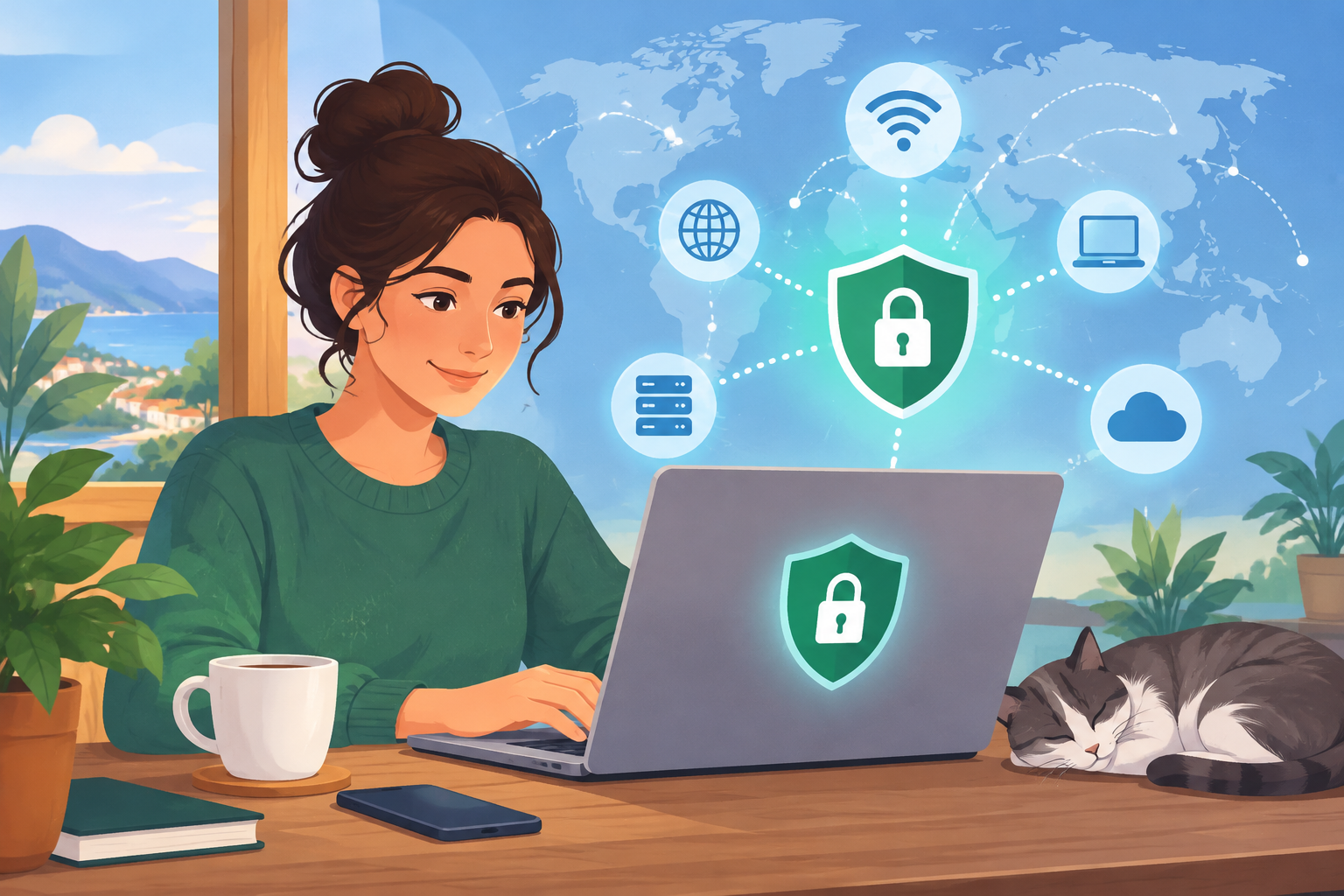
Introduction to VPN Misconceptions
In the era of remote work, understanding VPN misconceptions is crucial for maintaining security and productivity. As more employees work from home, the importance of a reliable Virtual Private Network (VPN) cannot be overstated. However, many myths persist about VPNs that can lead to misunderstandings about their capabilities and benefits. This article aims to debunk common VPN myths and clarify the role of VPNs in enhancing remote work security.
Myth #1: VPNs Are Only for Tech-Savvy Users
Understanding User Accessibility
One of the most prevalent VPN myths is that they are only suitable for tech-savvy individuals. While it's true that some advanced features may require technical knowledge, most modern VPN services are designed with user-friendliness in mind.
User-Friendly Options
Many VPN providers offer intuitive interfaces, making it easy for anyone to connect and use their services without needing extensive technical skills. With just a few clicks, users can establish a secure connection that protects their online activities.
Remote Workers and VPN Usage
For remote workers, using a VPN should not be seen as a complex task. Instead, it is a straightforward solution for enhancing security and privacy while accessing sensitive information from home networks.
Myth #2: VPNs Slow Down Internet Speed
The Performance Reality
Another common misconception is that VPNs inherently slow down internet speeds. While it's true that some VPNs can result in slower connections, the extent varies significantly based on several factors.
Factors Influencing Speed
- Server Location: Connecting to a server far from your actual location may result in increased latency and lower speeds.
- VPN Provider Quality: Not all VPNs are created equal. High-quality VPNs often employ advanced technology that minimizes speed loss.
- Network Congestion: Heavy internet traffic can affect your speed, regardless of whether you're using a VPN.
Optimizing VPN Usage
To mitigate speed issues, users can:
- Choose servers closer to their geographical location.
- Opt for premium VPN services known for speed and reliability.
- Test different protocols offered by the VPN provider.
Myth #3: All VPNs Are the Same
Understanding VPN Varieties
Many users believe that all VPNs offer the same level of security and features, but this is far from the truth. The quality and capabilities of VPNs can vary widely.
Key Differences to Consider
- Encryption Standards: Different VPNs use varying encryption methods, which affects the security of your data.
- Logging Policies: Some VPNs keep logs of user activity, while others have strict no-logs policies that enhance privacy.
- Server Networks: The number and location of servers can impact access to content and overall performance.
Choosing the Right VPN
When selecting a VPN for remote work, consider factors such as:
- Reputation: Research the provider's history and user reviews.
- Features: Look for essential features like kill switches and split tunneling.
- Customer Support: Reliable customer service can be a lifesaver in case of issues.
Conclusion and Importance of Understanding VPNs
Understanding VPN misconceptions is essential for anyone working remotely. By debunking these myths, remote workers can make informed decisions about their online security and privacy. A reliable VPN not only protects sensitive data but also enhances productivity by enabling access to necessary resources securely.
For those looking to enhance their remote work security, consider exploring IngenioVPN plans to find the best fit for your needs.
FAQs
- What is a VPN, and how does it work?
A VPN, or Virtual Private Network, encrypts your internet connection, ensuring secure data transfer between your device and the internet.
- Can I use a VPN on my mobile device?
Yes, most VPN services offer apps for mobile devices, allowing you to maintain security on the go.
- Are free VPNs safe to use?
While some free VPNs can be safe, many may compromise your data or have limited features. It's advisable to research before choosing a free VPN.
- Do I need a VPN if I am using a secure Wi-Fi network?
Yes, even secure networks can be vulnerable to attacks. A VPN adds an extra layer of security.
- Can a VPN help access geo-restricted content?
Yes, a VPN allows you to connect to servers in different countries, enabling access to content that may be restricted in your location.
- Is using a VPN legal?
In most countries, using a VPN is legal. However, some regions may have restrictions, so it's essential to check local laws.
Related articles
Debunking VPN Myths: What You Should Know
Explore common VPN myths and discover what these tools can truly do for your online privacy.
The Importance of VPNs for Travelers: Protecting Your Data Abroad
Discover why using a VPN for travelers is essential for ensuring data security while exploring the world.
Enhancing Remote Work Flexibility with VPNs
Explore how VPNs enhance flexibility in remote work, enabling professionals to work from anywhere while ensuring security and privacy.