VPNs and Secure Collaboration Tools: A Perfect Match
Discover how VPNs enhance remote team security and collaboration efforts, making them essential for today's digital workplace.
Introduction
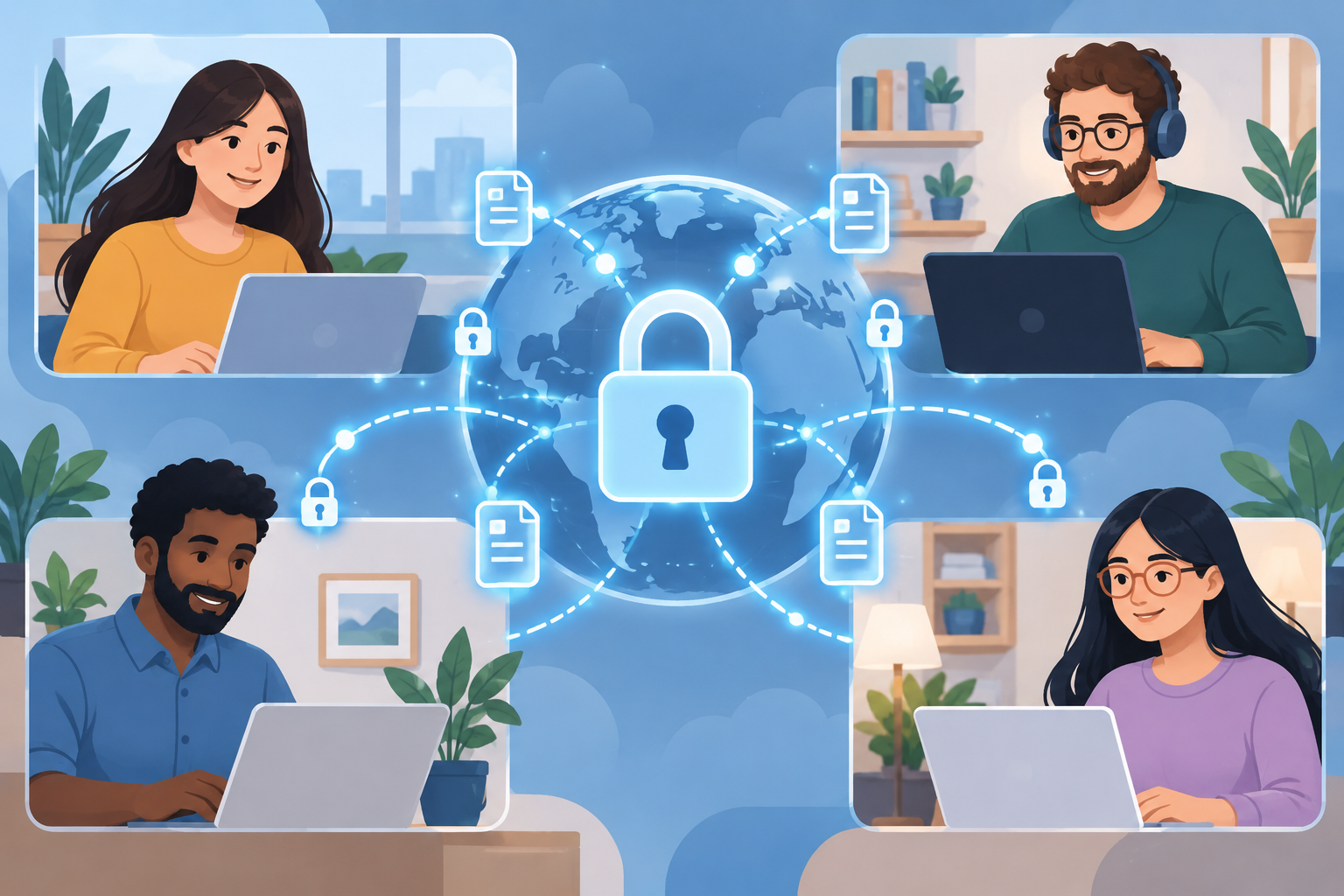
In an era where remote work is becoming the norm, the importance of VPN secure collaboration cannot be overstated. Virtual Private Networks (VPNs) play a crucial role in ensuring that remote teams can work securely and effectively, protecting sensitive information while fostering a collaborative environment. In this article, we will delve into common collaboration tools, how VPNs enhance collaboration efforts, the benefits of using VPNs with these tools, and real-world examples of secure remote work.
Overview of Common Collaboration Tools
As remote work continues to rise, teams rely on various collaboration tools to communicate and work together efficiently.
Types of Collaboration Tools
There are several categories of collaboration tools that remote teams frequently use:
- Communication Tools: Platforms like Slack, Microsoft Teams, and Zoom facilitate real-time communication through messaging and video calls.
- Project Management Tools: Tools such as Trello, Asana, and Monday.com help teams organize tasks, track progress, and manage projects collaboratively.
- File Sharing Tools: Services like Google Drive, Dropbox, and OneDrive enable teams to share and store files securely in the cloud.
- Document Collaboration: Software such as Google Docs and Microsoft Office 365 allows multiple users to edit and comment on documents simultaneously.
Importance of Collaboration Tools for Remote Teams
These tools are essential for remote teams as they help maintain productivity, enhance communication, and ensure that everyone stays on the same page, regardless of their physical location. However, the security of these platforms is often a concern, which is where VPNs come into play.
How VPNs Secure Collaboration Efforts
VPNs offer a layer of security that is vital for remote teams using collaboration tools.
Encryption of Data
When teams use collaboration tools, sensitive information is often transmitted over the internet. VPNs encrypt this data, ensuring that unauthorized individuals cannot intercept or access it. This encryption is crucial when teams are working with confidential client information or proprietary data.
Secure Access to Internal Resources
Many organizations have internal resources that are only accessible within their secure network. VPNs allow remote teams to connect to these resources securely, ensuring that they can access all necessary tools and information without compromising security.
Protection Against Cyber Threats
Using a VPN can help shield remote teams from various cyber threats, including man-in-the-middle attacks and data breaches. By masking the user's IP address and creating a secure tunnel for data transmission, VPNs mitigate the risks associated with unsecured networks, particularly when teams are using public Wi-Fi.
Benefits of Using VPNs with Collaboration Tools
Integrating VPNs with collaboration tools provides several key benefits for remote teams.
Enhanced Security
With a VPN in place, remote teams can communicate and collaborate without the fear of their data being compromised. This enhanced security is crucial for maintaining trust, especially when dealing with sensitive information.
Improved Performance
Contrary to common belief, using a VPN can improve performance in some instances. By bypassing internet throttling imposed by ISPs and reducing latency, teams may find that their collaboration tools work more efficiently.
Compliance with Regulations
Many industries are subject to regulations regarding data protection and privacy. Using a VPN can help organizations comply with these regulations by ensuring that data is encrypted and secure, thereby reducing the risk of non-compliance penalties.
Remote Access to Company Networks
VPNs allow remote team members to access their company's internal network securely, enabling them to utilize resources, applications, and files as if they were on-site. This seamless access is essential for effective collaboration and productivity.
Real-World Examples of Secure Remote Work
Several organizations have successfully integrated VPNs with collaboration tools to enhance their remote work capabilities.
Case Study: Tech Startup
A tech startup recognized the vulnerabilities of their remote work setup, especially as they dealt with sensitive client data. By implementing a VPN alongside tools like Slack and Zoom, they ensured that all communications and file sharing were encrypted. This not only improved their security posture but also boosted team confidence in handling sensitive projects.
Case Study: Marketing Agency
A marketing agency faced challenges with data breaches while working with clients remotely. The agency adopted a VPN solution, allowing team members to access their project management tools securely. This move led to a 30% increase in productivity, as team members felt secure sharing creative assets without the fear of cyber threats.
Conclusion: Strengthening Team Security
As remote work becomes increasingly prevalent, the need for VPN secure collaboration is more critical than ever. By integrating VPNs with collaboration tools, organizations can enhance their remote team security, protect sensitive data, and foster a productive work environment. Investing in these technologies not only mitigates risks but also empowers teams to collaborate effectively, regardless of where they are located. For more insights on how to safeguard your online activities, check out IngenioVPN plans or explore our blog for more resources.
FAQs
- What is a VPN, and how does it work?
A VPN (Virtual Private Network) creates a secure connection over the internet, encrypting your data and masking your IP address to protect your online activities.
- Why do remote teams need VPNs?
VPNs provide enhanced security for remote teams, protecting sensitive information and enabling secure access to company resources.
- Can I use a VPN with any collaboration tool?
Yes, most collaboration tools work well with VPNs, providing an added layer of security for communication and file sharing.
- How do VPNs protect against cyber threats?
VPNs encrypt data and mask your IP address, making it difficult for cybercriminals to intercept or access your information.
- Are there any downsides to using a VPN?
While VPNs enhance security, they can sometimes slow down your internet connection due to encryption processes and server load.
- What should I look for in a VPN for remote work?
Look for features like strong encryption, a no-logs policy, a wide range of server locations, and compatibility with your collaboration tools when selecting a VPN.
Related articles
Understanding VPN Logs: What You Need to Know
Explore the essential aspects of VPN logs, their impact on data privacy, and how to choose a VPN that prioritizes your online security.
How to Set Up a VPN on Different Devices: A Step-by-Step Guide
Learn how to set up a VPN on various devices with this comprehensive guide, ensuring secure browsing across Windows, Mac, and mobile platforms.

Understanding the Role of VPNs in Preventing Bandwidth Throttling
Discover how VPNs can help prevent bandwidth throttling and enhance your internet experience, especially for remote work.